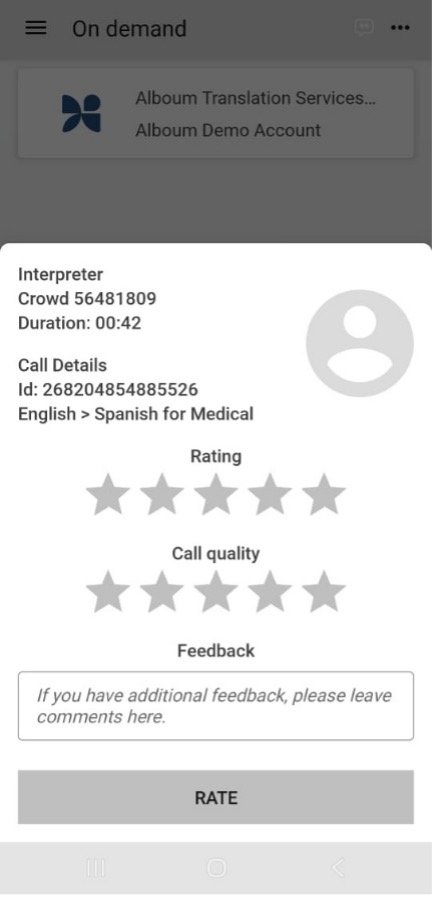
You can access an interpreter 24x7x365 from any web browser or from within the Alboum Interpretation App.
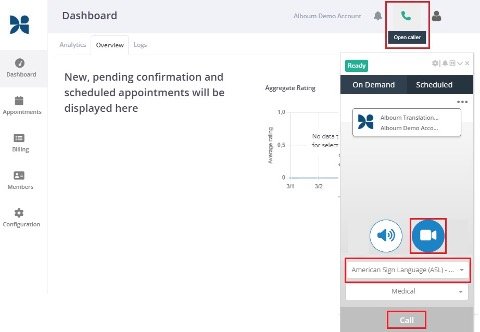
- Login to alboum.interpretmanager.com with your username/password or SSO. If you do not have login credentials for the Alboum interpretation platform, contact your administrator.
- From the Dashboard, click the phone icon in the top right corner to open the caller.
- Click the camera icon, choose your language, and select Call. Your call will be connected to an Interpreter.
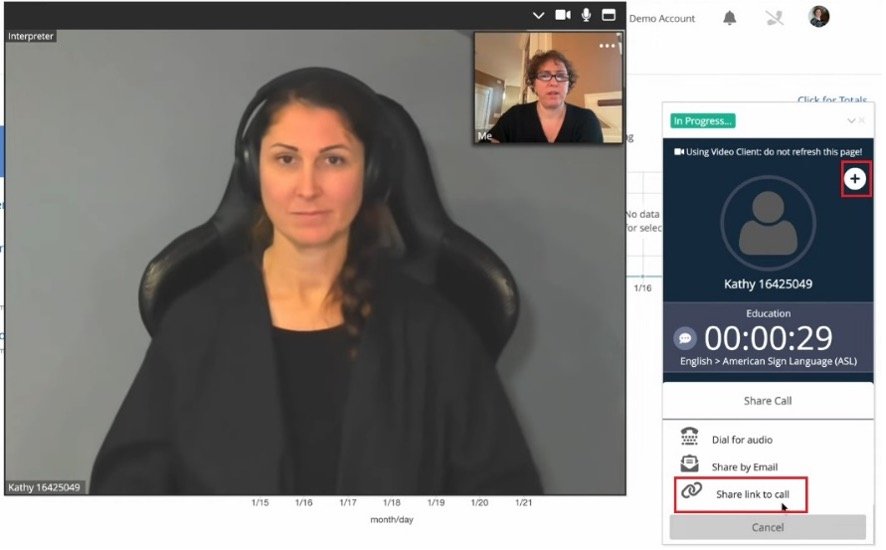
To add other participants to the meeting, click the plus (+) icon, then select Share link to call to copy the link. You can then share the link with anyone you’d like to invite to the meeting. There is a limit of four screens per meeting.
- Disconnect and provide feedback